


WEBSITE CHAT & VOICE
AI chatbots for your website
Help website visitors find answers and leave a useful enquiry. Grendigital builds AI chatbots and optional browser-based voice around your approved business information, with clear handover to your team.
Discuss your website assistant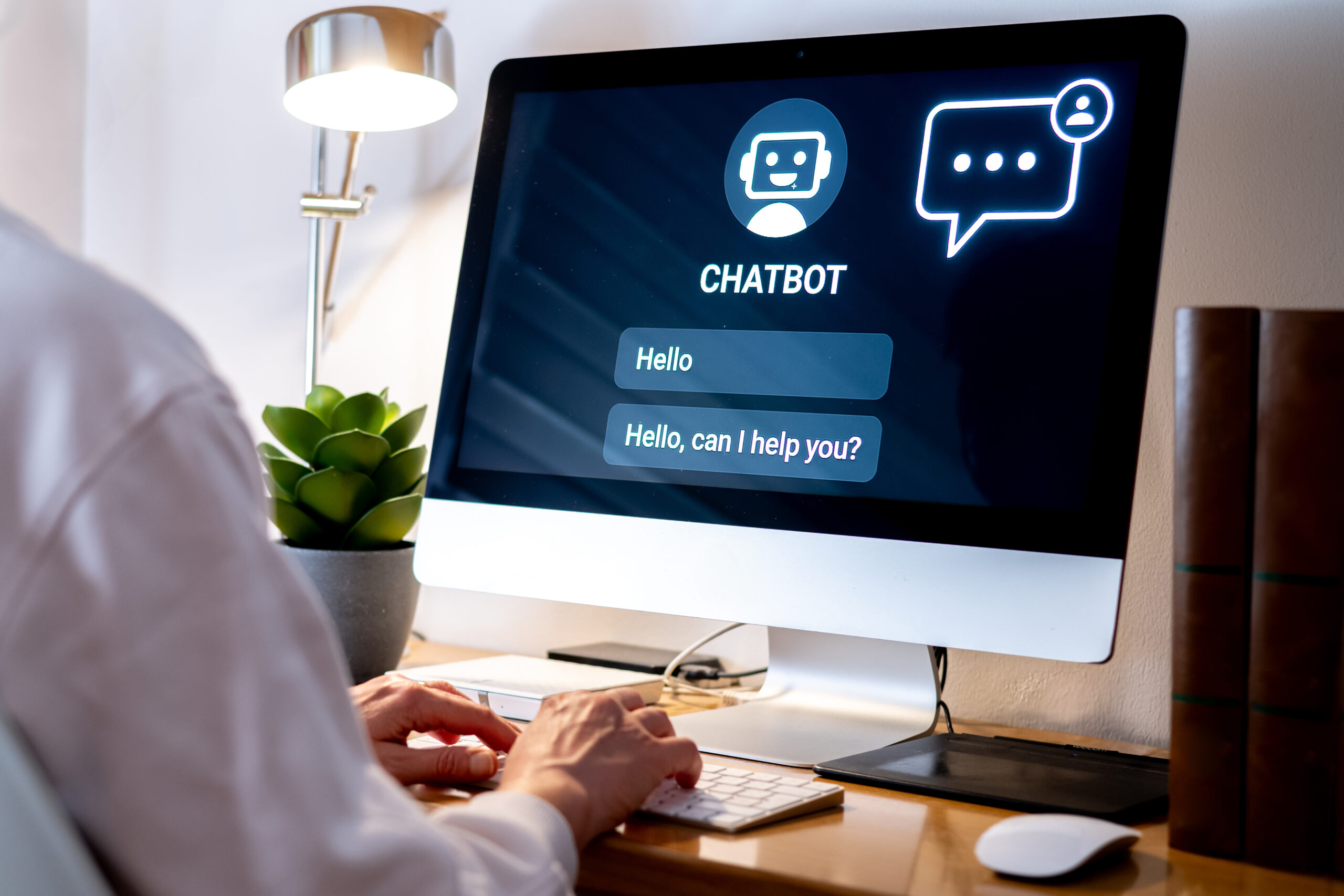
Tools chosen for the app you need.






FROM A QUESTION TO A USEFUL NEXT STEP
Give website visitors somewhere to ask.
A visitor may know what they need without knowing which page to open. We design the conversation around the questions your business can answer and the next action it can support.
TEXT CONVERSATIONS
Answers grounded in your business information
BROWSER-BASED VOICE
A spoken conversation on your website
Where voice suits the audience, visitors can choose to speak with the assistant through a supported browser. Keep a text option available and make it clear when microphone access is needed. This is separate from answering calls to your phone number.
Explore AI phone answeringENQUIRIES & FOLLOW-UP
Leave your team with enough detail to act
Collect the agreed details for a callback or service enquiry and pass them into a supported inbox, CRM or workflow. A booking preference can become a request for staff review, or a confirmed booking only where the connected system supports that action.
Explore system integrationDESIGNING THE CONVERSATION
Start with the questions your visitors already ask.
A useful assistant needs current answers and a sensible place for each conversation to go. We work through the content, the visitor experience and the handover before a public launch.
Review the questions and source material
Bring recent enquiries, service pages and the documents your team uses to answer them. Identify gaps, conflicting answers and information that changes frequently. Agree who will keep each source current.
Design the answer and the next action
Work through realistic conversations: an opening question, a follow-up and a request the assistant cannot answer. Decide which details to collect and show visitors whether they are requesting contact or completing an action.
Build the widget and supported connections
Fit text and optional voice into the website experience. Configure access to approved information, add the agreed enquiry destination and check the experience on mobile, including a straightforward route to contact your team.
Test conversations before widening access
Try varied wording, incomplete questions and requests outside scope. Check the facts against their sources and confirm that enquiries arrive correctly. Review the early conversations with the person responsible for the assistant.
ANSWERS PEOPLE CAN USE
Make the limits visible in the conversation.
A visitor should know what the assistant can help with and what happens next. We design the responses and connected actions around the authority your business is comfortable giving it.
A maintained set of answers
Use reviewed service information and policies as the basis for responses. Agree an update process for changed opening hours, offers and service conditions, including how changes are checked before use.
A clear route to a person
Offer contact details or collect a follow-up request when a question needs individual attention. Set expectations about whether a person is available now or will respond later; a chatbot does not create a staffed live-chat service.
Appropriate access to customer records
General service questions may need only public information. Personalised answers require a suitable identity check and limited access to supported records. Agree the information involved, retention and permissions before connecting it.
A review of quality and operating effort
Track whether visitors reach a useful answer or complete the intended enquiry. Review incorrect responses and failed handovers alongside usage charges, source updates and the time your team spends supervising the service.
PRACTICAL WEBSITE USES
Shape the assistant around the visitor’s task.
The scope depends on the business and its customers. These are possible starting points to assess against the information and tools you already have.

Professional-service enquiries
Explain the published service offering and help visitors describe their request before a consultation. Keep individual advice and commitments with the authorised team.
Retail and product questions
Help shoppers find published product, delivery and returns information. A personalised order enquiry needs an approved verification process and a supported order connection.
Hospitality and visitor information
Answer common questions about facilities, location and booking requirements. Distinguish published information from live availability and send special requests to staff.
Education, training and childcare enquiries
Guide families or learners through published programme information and enquiry steps. Route eligibility, enrolment decisions and questions about an individual child or student to the responsible team.
RELATED PRODUCT EXPERIENCE
Conversation as part of a wider customer experience.
Our product work brings context to the discussion: what people need to ask, the information behind the answer and the record that supports the next action.
AI CHAT & VOICE
Sidekik
Sidekik combines a business profile and link-in-bio presence with AI chat, voice and phone receptionist capabilities. Grendigital’s work included product direction, MVP planning and engineering review.
Read the Sidekik case study
CONNECTED RECORDS
Grenconnect
Grendesign uses Grenconnect internally to bring customer, project and service information together. Its customer portal is being piloted with selected customers. It illustrates the operational records that a connected experience may need.
Read the Grenconnect case studyYOUR WEBSITE
Plan your first assistant
Bring the questions your team answers repeatedly and the pages visitors struggle to find. We can assess whether a website assistant is useful and define a first scope.
Discuss your website assistantBEFORE YOU ADD A CHATBOT
Questions about fit, content and connections.
Start with the visitor’s task and the information available to answer it. The choice of model or widget follows that scope.
Can we offer both text and voice on the website?
Yes, a scoped implementation can include typed chat and browser-based voice. We assess browser support, microphone permissions and the needs of your audience. Text and a direct contact route should remain available when a visitor cannot or prefers not to use voice.
Can the assistant work with our existing website and CRM?
We review the website platform and the interfaces offered by the receiving system before agreeing the connection. A first version may send an enquiry to an inbox; creating or updating CRM records requires suitable access, field mapping and checks for failed or duplicate submissions.
What affects the cost of a website chatbot?
The content to organise, conversation scope, voice requirements and system connections all affect the build. Ongoing costs may include model or voice usage, platform fees and monitoring. We define the included work and responsibilities before providing an estimate.
GRENDIGITAL BY GRENDESIGN
What do visitors need help finding on your website?
Share your website and a few examples of the questions your team receives. We can work through what an assistant should answer, what it should collect and where a person needs to take over.