HOSPITALITY & TOURISM

AI for hospitality

Give guests a useful answer and your team the details to follow through. Grendigital builds AI assistants and connects booking workflows for hotels, venues and tourism operators.

Request a free AI audit
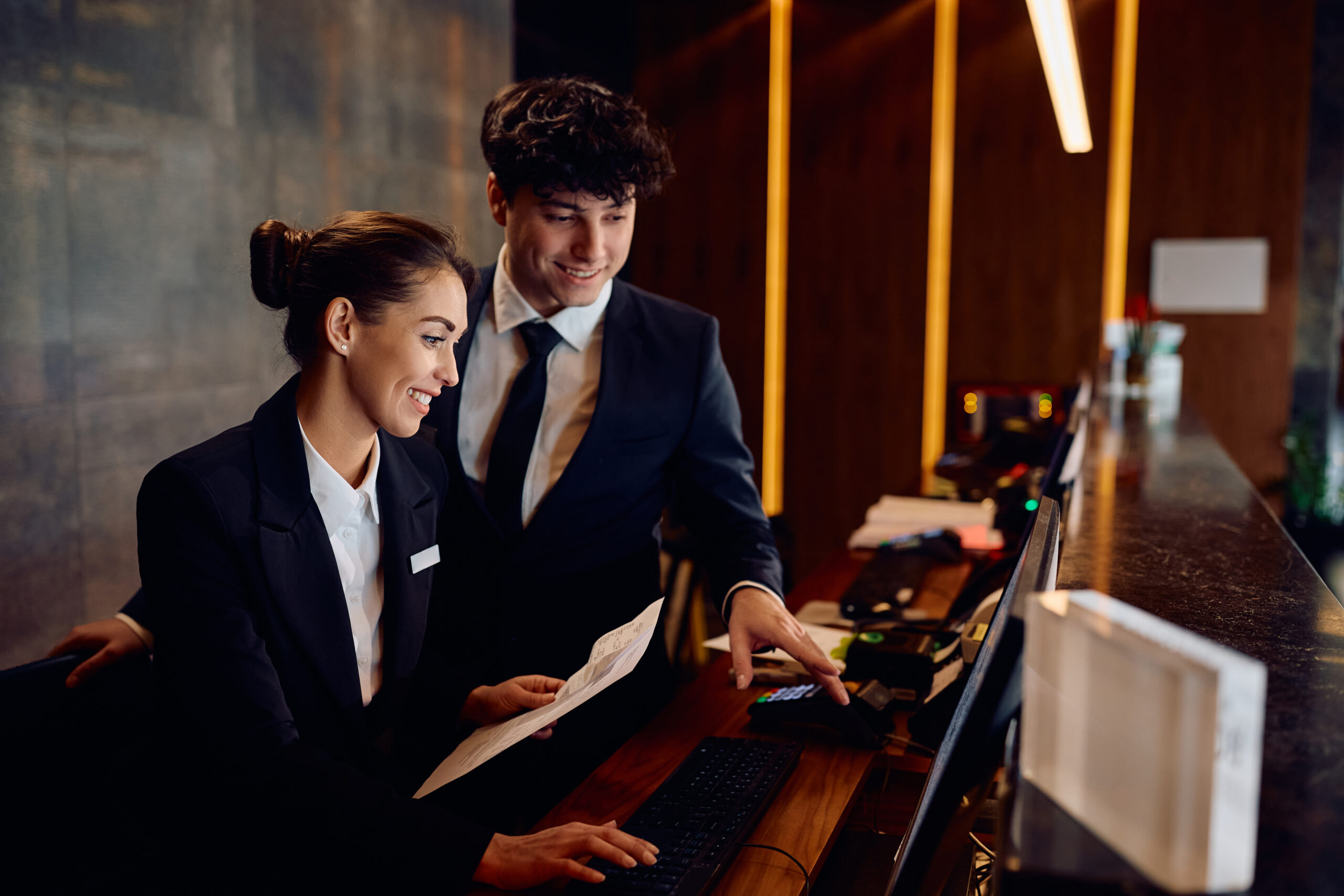
Hotel reception colleagues reviewing a booking on a computer at the front desk

Tools chosen for the app you need.

  • Supabase
  • Lovable
  • Replit
  • OpenAI
  • WordPress
  • Anthropic

GUEST COMMUNICATION & OPERATIONS

From a guest enquiry to a confirmed next step.

A late arrival, a table for eight or a change to tomorrow’s tour all need different handling. We build hospitality automation around the information your team needs and the decisions your booking system can support.

PHONE & CHAT

AI receptionists and guest assistants

An AI receptionist can answer approved questions by phone or chat, collect an enquiry and pass it to the right team. For hotels, a chatbot can explain check-in arrangements and guide a guest to the booking engine. Access to availability or reservation changes is scoped separately.

Explore AI agents & automation

CONNECTED BOOKINGS

Booking and system integration

Connect supported reservation events to guest messages and internal tasks. A changed arrival time might update reception’s work list; a cancelled experience should stop its reminder. We check the booking system’s interfaces and existing automations before designing the connection.

Explore system integration

GUEST & STAFF ACCESS

Guest portals and team apps

Give guests an authorised place to see their itinerary or submit a request. A staff app can show who accepted the task and whether it is complete. We design access around your operation, including what a temporary staff member or outside supplier needs to see.

Explore business apps & portals

INTERACTIVE CONCEPT

Explore a sample AI operations dashboard.

Try the time-period controls and expand the view. This generic business demo shows agent activity, completed tasks and handovers to staff. Its fictional company and sample figures are an illustration of what a connected hospitality solution could make visible.

Illustrative concept using a fictional business and sample data.

AI operations · illustrative concept

Preview of an illustrative business workspace with sample records
Explore the workspace or expand for a closer look.
Explore apps with built-in AI

HOSPITALITY & TOURISM SETTINGS

Different bookings. Different service routines.

Choose a setting to explore a possible starting point. The workflow will depend on your booking tools, team and the details your guests need.

ARRIVAL THROUGH CHECKOUT

Hotels and resorts

AI for hotels can help guests find arrival information and pass service requests to the appropriate department. Where supported, bring reservation context into the staff view so reception can follow up without asking the guest to repeat the details.

SMALLER FRONT-DESK TEAMS

Boutique stays and B&Bs

Answer common questions when the host is away from the desk. Collect the booking reference and reason for an enquiry, then flag requests such as late checkout for the person who can approve them.

CHANGEOVERS & GUEST REQUESTS

Holiday parks and serviced accommodation

Coordinate arrival instructions with booking changes and housekeeping tasks. Give the team a way to track a missing access message or a maintenance request across a busy changeover.

CALLS DURING SERVICE

Restaurants, cafés and bars

Use a restaurant AI receptionist for opening hours and reservation enquiries. Only offer bookable slots through a supported connection. Send dietary questions and unusual group requests to the venue team with the relevant notes.

DEPARTURES & GUEST UPDATES

Tour and activity operators

Send the right meeting point and preparation details for each departure. A changed session or cancelled booking should update the follow-up. Give guides a clear view of requests that still need a decision.

TASTINGS & GROUP BOOKINGS

Wineries and visitor experiences

Coordinate tasting bookings, group enquiries and event follow-up. Keep the guest’s request attached to the booking or enquiry so the next person can respond with the current information.

ENQUIRY TO EVENT HANDOVER

Event and function venues

Collect the details behind a function enquiry and organise the next conversation. Track proposed dates and approvals, with changes to a confirmed event passed to the staff preparing the venue.

MULTIPLE VENUES & BRANDS

Hospitality groups

Share approved information across locations while keeping each property’s hours and booking rules separate. Give managers visibility of unresolved requests, with access limited to the venues each team supports.


FROM GUEST REQUEST TO PILOT

Start with a shift your team knows well.

Choose a recurring enquiry or handover that creates extra work. We follow it through your operation, agree a first scope and test it with the people who will use it.

  1. Follow the request

    Trace a real enquiry from the first call or message to its outcome. Record which details staff looked up, what needed approval and where the guest waited for an answer.

  2. Check the available connections

    Review the booking system and any guest messaging tools already in use. Confirm which records can be read or changed, and how the workflow will distinguish an enquiry from a confirmed booking.

  3. Pilot across an ordinary shift

    Test the process with staff before widening access. Include a cancelled reservation, an unavailable system and a guest who asks to speak to a person. Check the handover after the original staff member has finished their shift.

  4. Review the work it creates

    Measure response coverage and the time staff spend correcting or chasing requests. Include unresolved handovers and running costs. Use those results to decide whether to extend the workflow.

DETAILS THE WORKFLOW NEEDS TO HANDLE

Keep the guest informed when plans change.

An answer is useful when it matches the current booking and someone can act on it. We work through the exceptions with your team before giving an assistant permission to change records.

Explore AI app development

Availability that comes from the booking system

A chatbot should not infer a free room or table from a website description. Where the platform supports it, retrieve the current availability and price. Confirm the reservation only after the booking system accepts it; otherwise collect an enquiry for staff.

A handover someone can own

Send the request with its booking reference and conversation summary to the agreed staff queue. Show whether it has been accepted and how long it has been waiting. Decide what happens outside staffed hours, including when the guest needs direct contact details.

Answers your team has approved

Keep opening hours, arrival instructions and cancellation information in maintained sources. Test the languages you intend to support. Route allergy, accessibility and other requests needing individual confirmation to staff who can check the arrangements.

Follow-up that reflects the latest plan

Check a reservation’s status before sending a reminder. Handle a date change or cancellation without sending obsolete instructions. Keep service messages separate from marketing preferences and leave your team a record of what was sent.

PLANNING THE RIGHT SCOPE

Work with the booking tools you already have.

Your current platform may already cover the task. We assess its native features and suitable products before proposing custom work. The useful scope is the gap that remains in your guest experience or staff handover.

Explore AI strategy & advisory
Team discussing plans at a whiteboard; illustrative stock photograph

Check access before promising a connection

Review the specific platform, account plan and partner requirements. Mews, Cloudbeds and Rezdy offer different integration and automation options. A published API does not establish access to every action your business needs; we confirm those requirements during scoping.

Limit what the assistant can change

Agree which requests it can answer, record or complete. Keep refunds, exceptions to cancellation terms and other commercial decisions with the authorised person unless a specific automated action has been approved and tested.

Plan for another venue and a fuller service

Product management needs to look beyond clearing today’s backlog. Anticipate venue-specific policies, new booking types and reporting across locations. Design that depth into the permissions and records while keeping the first release small enough to assess.

Make support part of the operating plan

Name who maintains guest information and responds to a failed connection. Plan for peak traffic and platform updates, with alerts that reach someone on duty. Include usage charges and monitoring in the ongoing budget.

WORK YOU CAN EXPLORE

Product experience relevant to your brief.

Our own product work includes AI-assisted conversations and shared operational records. These examples come from our own products and provide a useful starting point for a discussion about your venue.

Sidekik logo

AI CONVERSATIONS

Sidekik

Sidekik combines business discovery with AI chat, voice and phone receptionist features. That product experience is relevant when planning how an assistant answers an enquiry and brings a person into the conversation. A venue deployment needs its own information sources and booking rules.

Explore AI agents
Grenconnect logo

OUR OWN BUSINESS SYSTEM

Grenconnect

Grendesign uses Grenconnect internally to bring customer and project information together with service records. A customer portal is being piloted with selected customers. This operational experience informs how we scope staff access and shared work in a new application.

Hotel reception colleagues reviewing a booking on a computer at the front desk

DISCUSS YOUR OPERATION

Your next guest workflow

Bring an enquiry your team answers repeatedly or a booking change that is awkward to hand over. We can review the tools involved and identify a useful first scope for your venue.

Discuss your guest workflow

SCOPING YOUR PROJECT

Questions before you connect the systems.

A useful first conversation starts with the booking platform, the guest request and what your staff do today.

Can you connect to our hotel or tour booking system?

We assess the specific system, plan and available interfaces first. Mews publishes APIs for several hospitality use cases; Cloudbeds and Rezdy also offer existing automation features. Some integrations need partner approval or a different account plan. We confirm access and test the required actions before committing to a scope.

Can an AI receptionist make or change a reservation?

That depends on the booking system and the actions you authorise. A supported connection may let an assistant check availability or submit a reservation. The booking system must accept the change before the guest receives confirmation. If that access is unavailable, the assistant can collect the enquiry for staff to review. Requests outside its agreed scope go to your team.

What does a hospitality automation project cost to run?

The scope depends on the platforms involved, the volume of conversations and the decisions the workflow needs to handle. Budget for development and testing as well as subscriptions, messaging or AI usage. We define the monitoring and support arrangements with you, including who updates guest information. An audit can establish whether your existing software can cover the task before you commission custom development.

GRENDIGITAL BY GRENDESIGN

Which guest request slows your team down?

Tell us where the enquiry arrives and what has to happen next. Grendigital is Grendesign’s specialist AI and digital division, based in Mornington and Sydney. We work with businesses in Australia and internationally, with a practical first scope agreed around your operation.

Request a free AI audit