

grendigital news & insights
AI Agents vs Workflow Automation: Which Does Your Business Need?
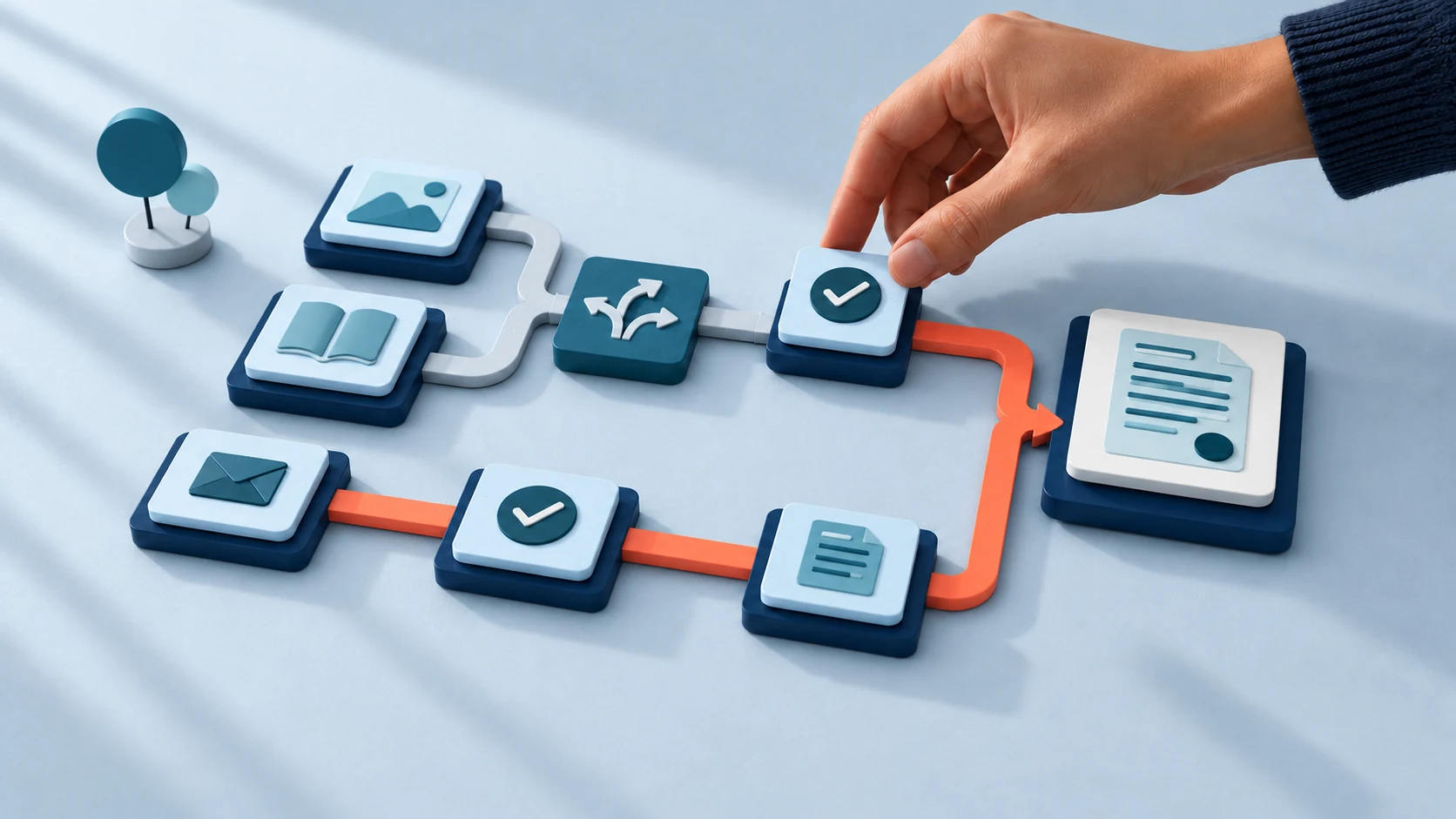
Use workflow automation when the steps and decision rules are clear. Consider an AI agent when completing the task requires interpreting a request, finding relevant information and choosing what to do next. Many useful business systems combine the two.
The choice becomes easier when you look at one piece of work. Sending a reminder after an approved due date is different from investigating a customer’s message about an order. They may sit in the same support process, but they need different kinds of judgement.
Before comparing products, ask which decisions the software needs to make, what information it can use and which actions your team will authorise.
In this article
What is the difference between workflow automation and an AI agent?
A workflow follows a sequence designed in advance. A trigger starts it, rules determine the route and connected tools carry out the agreed actions. A workflow can contain branches, calculations and human approvals. It can also include an AI step, such as preparing a short summary.
An AI agent uses a model to choose some of its next steps within the tools and limits it has been given. For example, it might decide to check an order record, look up a delivery policy and ask the customer for a missing detail before preparing a response.
The distinction concerns how the work is directed. A chat window does not tell you whether the system behind it follows a fixed path or can choose its next action. Ask a supplier to show you what happens after a request arrives.
Anthropic’s engineering guide makes a similar distinction between predefined workflows and model-directed agents. It also recommends starting with a simple approach and adding complexity when the task warrants it. Product labels vary, so use the actual behaviour to assess an offer.
Compare the work each approach needs to do
| Question | Workflow automation | AI agent |
|---|---|---|
| Who defines the route? | The team specifies the steps and conditions in advance. | The team defines the task and boundaries; the model chooses some steps as it works. |
| What kind of input fits? | Known fields, events and statuses that can be checked against explicit rules. | Requests that vary in wording or require several information-gathering steps. |
| What needs testing? | Triggers, branches, data mapping, permissions and failure handling. | Those connections, plus interpretation, tool choices, answer quality and stopping behaviour. |
| What can still need a person? | Exceptions and approvals that the business has reserved for staff. | Uncertain requests and actions outside the agent’s authority. |
| A possible first task | Create a dispatch task when an order reaches an approved status. | Investigate a delivery enquiry using approved order and policy information, then prepare a response. |
Reliable inputs matter to both. A model cannot make an unavailable order connection work, and a fixed workflow cannot resolve contradictory customer records simply by moving them faster.
When fixed workflow rules are a good fit
Start with rules when staff can describe the decision precisely. An approved invoice can enter a reminder schedule. A completed form can create a task for the team selected in a service field. A signed agreement can start a checklist.
For these jobs, write down the event that starts the work and the condition that permits each action. “The proposal was accepted in the system” is a clearer trigger than “the customer seems ready”. Check whether the software already offers the required feature before commissioning a separate workflow.
Complexity alone does not require an agent. A process with many branches can still have explicit rules. It may need careful integration work and a readable design, especially when several teams own different steps.
If you are still choosing a first project, our guide to where to start with business process automation includes questions for comparing recurring tasks and their exceptions.
When an AI agent is worth assessing
An agent becomes worth considering when the next useful step depends on what the system discovers. A customer might describe a delivery problem without knowing the order number. The assistant may need to ask for a reference, retrieve the relevant record and identify which published guidance applies.
A fixed sequence may cover that conversation well enough. Test that possibility first. More freedom is useful only if it helps the system complete work that a simpler design handles poorly.
You can also use AI without giving it control over the whole process. A model could suggest a category for a message or draft an answer from supplied information. The surrounding workflow can keep the same checks and approval path. That is often a practical way to test whether interpretation adds value.
For any proposed agent, ask what it may read, which tools it may use and what it may change. “Handles customer service” is too broad to assess. “Checks delivery status and prepares a reply for staff review” gives you something concrete to test.
A worked example: handling a delivery enquiry
Illustrative design: a retailer receives messages about delayed deliveries. The following scope shows how a workflow and an agent could share the job; it is not a reported customer result.
- The workflow records the incoming message and assigns a request reference.
- An assistant interprets the question and asks for any details needed to find the order through an approved verification process.
- Within its permitted tools, the agent checks the order status and relevant delivery guidance. If it cannot establish the facts, it hands the request to staff.
- It prepares a response that identifies the source information and any unresolved point.
- A staff member approves the response. The workflow sends it, records the outcome and keeps the request visible if delivery fails.
The agent’s role is limited to investigation and preparation. Refunds, replacement orders and promises about compensation remain outside this initial scope. The team can assess those actions separately once the first task has been tested.
This design also needs a clear boundary between customer text and operating instructions. A message asking the assistant to ignore its limits must not grant access to another customer’s order or authorise a refund. Permissions and action checks need to hold even when the request is unexpected.
Test the parts that could change your decision
Compare candidate approaches against the same representative requests. Include ordinary cases, incomplete information and situations the system should refuse or hand over. Decide what a correct result looks like before viewing the answers.
For a rules-based workflow, check each route and what happens when a connected system fails. Confirm that retrying an item cannot accidentally send the same message twice or create duplicate work.
For an agent, also inspect how it chose its tools and whether the answer matches the records it consulted. Test whether it recognises when it lacks enough information. A plausible response can still be wrong, so keep the source record available to the reviewer.
Set limits on execution time and tool use, and define where a request goes when those limits are reached. Include a way for staff to stop or take over the work. Review performance after changes to the model, source material or connected tools.
Compare operating effort as well as build cost
A useful estimate includes development, subscriptions, hosting and integration work. AI-assisted tasks can also incur model usage charges. Ask how retries, longer conversations and additional tool calls affect the estimate.
Budget for the people who review results and investigate failures. Record the time needed to maintain source information and permissions. A system that completes fewer steps automatically may still be the better fit if the results are easier for your team to trust and manage.
Agree who owns the workflow after launch. Someone needs to notice a broken connection, update changed business rules and decide whether a recurring failure calls for a different design.
Bring a defined task to the discussion
Describe the starting request, the useful finish and the decisions in between. Bring a few real examples with private details removed, plus the names of the systems involved. Mark any action that requires approval.
Grendigital can help assess the scope through our AI agents and workflow automation services. The first conversation can establish whether existing features, a connected workflow or a bounded agent is worth exploring.
Request a free AI audit and tell us which piece of work you want to improve.